

Sandbox Testing
When Test Mode is activated, you get access to powerful Sandbox Tools in the Dashboard. These let you simulate all key payout scenarios.1. Test a refund
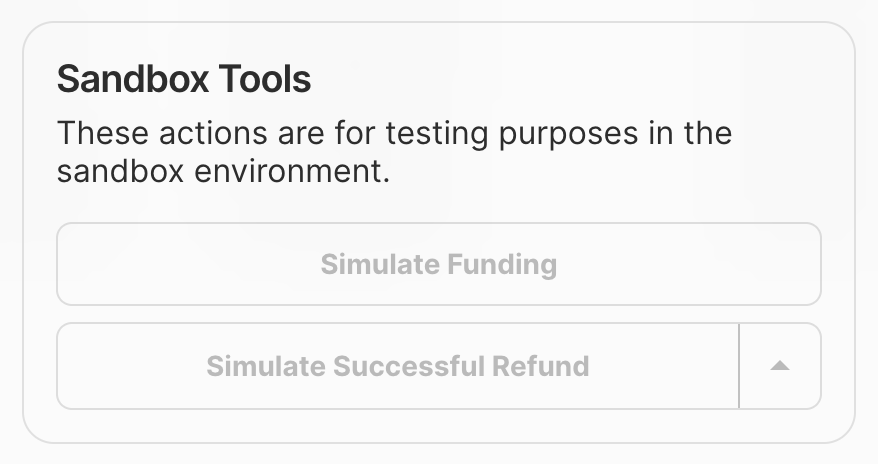
Open Sandbox Tools
In the Augustus Dashboard, find the refund and open its detailed view to access Sandbox Tools.
2. Test a payout
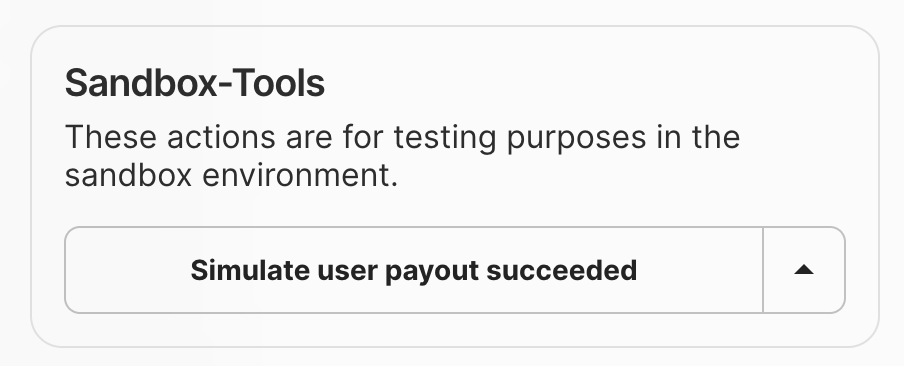
Open Sandbox Tools
In the Augustus Dashboard Payouts table, select the payout to open its detailed view with Sandbox Tools.
3. Simulate Outgoing Transactions Manually
In the Developer section under the Simulations tab, you can manually simulate outgoing transactions with any amount, external reference, and status.Production Testing
Once you’ve thoroughly tested your integration in Sandbox, move to production. Toggle off Test Mode in the Dashboard and use your live API keys.What’s Next